TenantPoint vs. Buildium for a small commercial portfolio
Buildium publishes real prices and a 14-day trial, and it supports commercial units inside a broad, residential-first platform. Here's where the two actually differ.
- 15-day free trial
- No credit card
- No sales call
The context
Start with what Buildium and TenantPoint are built for.
Buildium is a well-established property management platform for professional managers running residential, association, student, and commercial portfolios. It publishes three tiers—Essential from $62/month, Growth from $192/month, and Premium from $400/month—and offers a 14-day free trial with sample data and no credit card required.
Its commercial page describes tracking leases, rent escalations, triple-net charges, and 'CAM charges, tracking and reconciliation' inside that broader platform. The difference isn't whether Buildium can hold a commercial lease—it can—but whether a platform designed around residential management workflows is the right center of gravity for an owner whose daily pain is CAM math and lease terms.
Full feature comparison
Where TenantPoint and Buildium actually differ.
| Feature | TenantPoint | Buildium |
|---|---|---|
| Published pricing | Public per-tier pricing—$49 to $199/mo for 2–30 properties | Public—Essential from $62/mo, Growth from $192/mo, Premium from $400/mo ('starting at' pricing; scales with units) |
| Pricing unit | Per property (each with many tenant spaces included) | Per unit, with plan-based starting prices |
| Start using it | 15-day free trial, no credit card | 14-day free trial with sample data, no credit card |
| Built for | Commercial-only: lease intelligence, CAM/NNN, work orders, tenant portal | Professional managers across residential, associations, student housing, and commercial |
| AI lease extraction with approval | Included on every plan—rent steps, CAM method, dates, human-approved before activation | Not a documented feature; an AI assistant is included on all plans |
| CAM handling | Pro-rata allocation, controllable-expense caps, pools, and a tenant-facing explanation | CAM charges, tracking, and reconciliation are described; cap/pool mechanics are not detailed publicly |
| Online rent payments (ACH) | Not yet available to tenants | Yes—ePay, with a per-transaction incoming EFT fee that drops by plan |
| Accounting | Operating statement with NOI by building (cash or billed basis); one-way push to QuickBooks Online (Enterprise, in final rollout) | Full accounting: bank reconciliation, financial statements, 1099 e-filing add-on |
| Tenant screening and eSignature | Not available | Available, with lower per-use costs on higher plans |
Which platform fits
Neither of these is the right answer for every owner.
Who TenantPoint is for
TenantPoint is probably right for you if…
- CAM reconciliation and lease-term tracking are your daily pain, and you want them explained to tenants, not just posted as charges.
- You own a few commercial properties rather than manage a mixed residential book by the unit.
- You want AI lease abstraction with a mandatory human-approval step, on every plan.
Where Buildium is stronger
To be fair to Buildium…
- Buildium already collects rent online (ACH and cards), runs full accounting with bank reconciliation, and offers tenant screening and eSignature—real gaps in TenantPoint today.
- If your portfolio mixes residential and commercial, or you manage for others and need owner statements, Buildium's breadth is the point.
- At the Essential tier, Buildium's starting price is close to TenantPoint's Starter and Owner plans; run the per-unit math for your own portfolio.
Buildium's plan names, starting prices, trial terms, ePay fee structure, and commercial feature descriptions were checked directly against buildium.com/pricing and buildium.com/portfolios/commercial-property-management on September 27, 2026. 'Starting at' prices scale with unit count; verify the total for your portfolio directly with Buildium before purchasing.
See it, don’t take our word for it
Try the real product, right here.
No sales call. This is the actual TenantPoint interface, running on sample data.
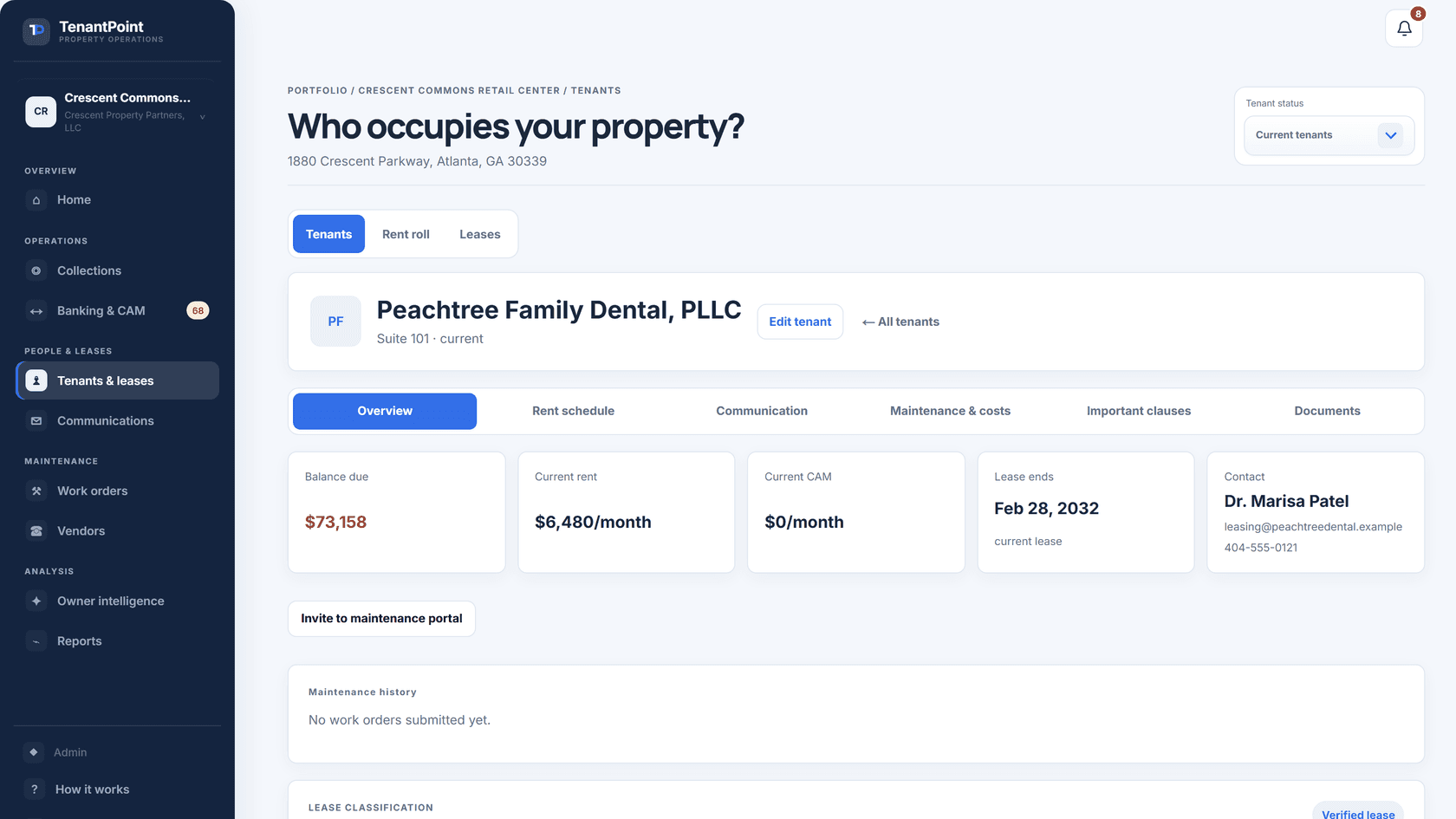
Most demos are generic. This one runs real numbers—see the actual CAM math this fictional retail center runs in the tab, or the full tenant schedule in .
Four things need your attention
Everything else at Northline Commerce Center is on track.
See it with your own lease
Upload one lease and see the result yourself.
Comparison tables only go so far. The product tour runs on a sample property, so you can click through leases, rent, CAM, and maintenance before you add anything of your own.
Explore the productGood to know
Questions owners ask about this comparison.
Does Buildium support commercial property?
Yes. Buildium lists commercial among its portfolio types and describes tracking leases, rent escalations, triple-net charges, and CAM charges, tracking, and reconciliation. It is a residential-first platform that supports commercial, rather than a commercial-first one.
What does Buildium cost?
As of September 2026, buildium.com/pricing lists Essential starting at $62/month, Growth at $192/month, and Premium at $400/month, with a 14-day free trial and no credit card required. Per-unit scaling and transaction fees (for example, incoming EFT payments) apply on top; confirm the total for your unit count.
Does Buildium extract lease data with AI?
Buildium's pricing page mentions an AI assistant on every plan; it does not describe extracting rent schedules, CAM terms, and key dates from an uploaded lease document. TenantPoint does that on every plan, with your approval required before any extracted term is used.
Which is cheaper for 6 commercial properties with 40 tenants?
It depends on how Buildium counts your 40 units against its 'starting at' prices. TenantPoint's Owner plan is $99/month (or $82.50/month billed annually) for up to 10 properties and 150 tenant spaces, all-in. Get Buildium's quote for 40 units and compare the totals including payment fees.