TenantPoint vs. running your property on Excel and QuickBooks
Excel and QuickBooks aren't wrong tools—they're just not built for a commercial lease. Here's specifically where that shows up.
- 15-day free trial
- No credit card
- No sales call
The context
Start with what Excel + QuickBooks and TenantPoint are built for.
Most owner-operators running 3–15 commercial properties aren't choosing between TenantPoint and another property management platform—they're choosing between TenantPoint and the spreadsheet-plus-QuickBooks setup they already have.
That setup isn't wrong. Excel is genuinely flexible, and QuickBooks is genuinely good general-ledger accounting software. Neither was built around a commercial lease, though, which is exactly where the manual work piles up.
Full feature comparison
Where TenantPoint and Excel + QuickBooks actually differ.
| Feature | TenantPoint | Excel + QuickBooks |
|---|---|---|
| Where lease terms live | Extracted from the uploaded lease PDF itself, with source references and required human approval | Retyped by hand into a spreadsheet or QuickBooks memo field, from whoever read the lease |
| CAM/NNN reconciliation | Pro-rata allocation, caps, and pools calculated from the lease terms on file | Rebuilt most years in a fresh spreadsheet, from source documents scattered across email and folders |
| Tenant maintenance requests | A tenant portal and a work order with a status, an owner, and a history | A text message or email you have to remember to act on |
| "What's the current rent roll?" | Always current—built from the same lease records as everything else | Only as current as the last time someone manually updated the sheet |
| Bank transaction categorization | Uploaded and auto-categorized against your property's own rules | Manual entry or CSV import, categorized by hand |
| General ledger and tax-ready books | Not a replacement for your accountant's general ledger | QuickBooks genuinely does this well |
Which platform fits
Neither of these is the right answer for every owner.
Who TenantPoint is for
TenantPoint is probably right for you if…
- You're rebuilding the same CAM reconciliation from scratch every year and know it.
- Lease terms live in someone's memory or a folder of PDFs, not in a system that uses them.
- Tenant maintenance requests are a text thread you have to reconstruct after the fact.
Where Excel + QuickBooks is stronger
To be fair to Excel + QuickBooks…
- QuickBooks remains the right tool for tax-ready general-ledger accounting—TenantPoint doesn't try to replace your accountant's books.
- A spreadsheet has zero learning curve and zero cost beyond what you already pay for Excel or Google Sheets.
- If your portfolio is small enough and simple enough, the manual overhead may genuinely not be worth solving yet.
This comparison describes what general-purpose spreadsheets and accounting software are built for as a category, not a specific claim about Microsoft, Google, or Intuit's products.
See it, don’t take our word for it
Try the real product, right here.
No sales call. This is the actual TenantPoint interface, running on sample data.
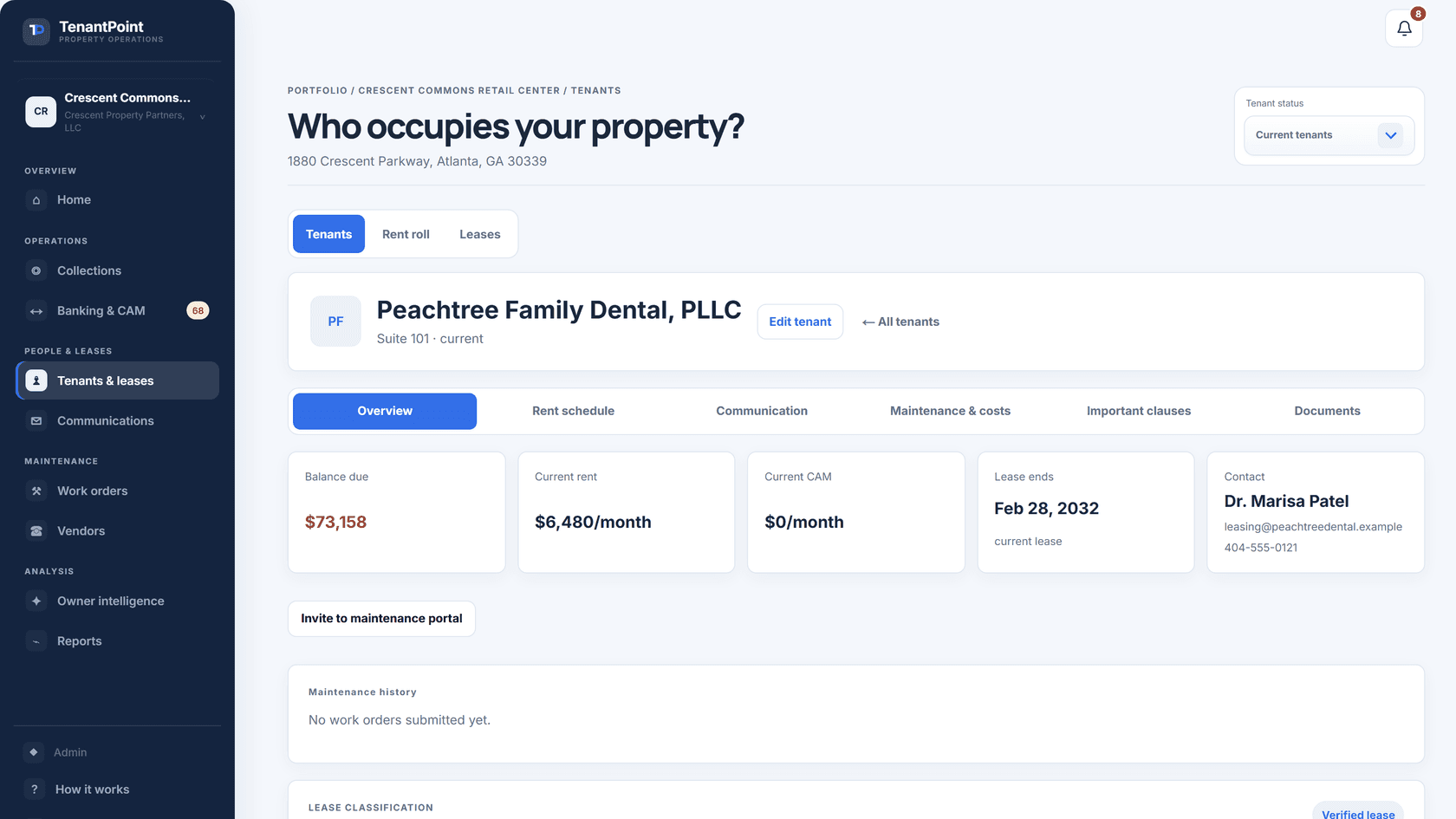
Most demos are generic. This one runs real numbers—see the actual CAM math this fictional retail center runs in the tab, or the full tenant schedule in .
Four things need your attention
Everything else at Northline Commerce Center is on track.
See it with your own lease
Upload one lease and see the result yourself.
Comparison tables only go so far. The product tour runs on a sample property, so you can click through leases, rent, CAM, and maintenance before you add anything of your own.
Explore the product